
Turn A Simple Sentence Into Production-Ready n8n Automations — Without Writing JSON
// Press play. Watch a plain-English request — planned, validated, deployed — become a running n8n workflow in minutes, not days.

- Web Copilot: guided plan mode + agent mode
- Create, edit & validate n8n workflows
- Direct deployment to your n8n instance
- Connect n8n Cloud or self-hosted over HTTPS
- Pro Agent + MCP for Cursor, Windsurf, OpenCode
- Per-node diagnostics & Repair and Retest
- 8,000 workflows
- A free n8n account with full access for life
- Free web hosting for life
- 3-day trial · 40 AI credits · no card required
Builders Are Shipping Automations Right Now.
// Real workflows. Real instances. Plain-English builds. Anyone can ship automations when AI does the heavy lifting. Results vary.
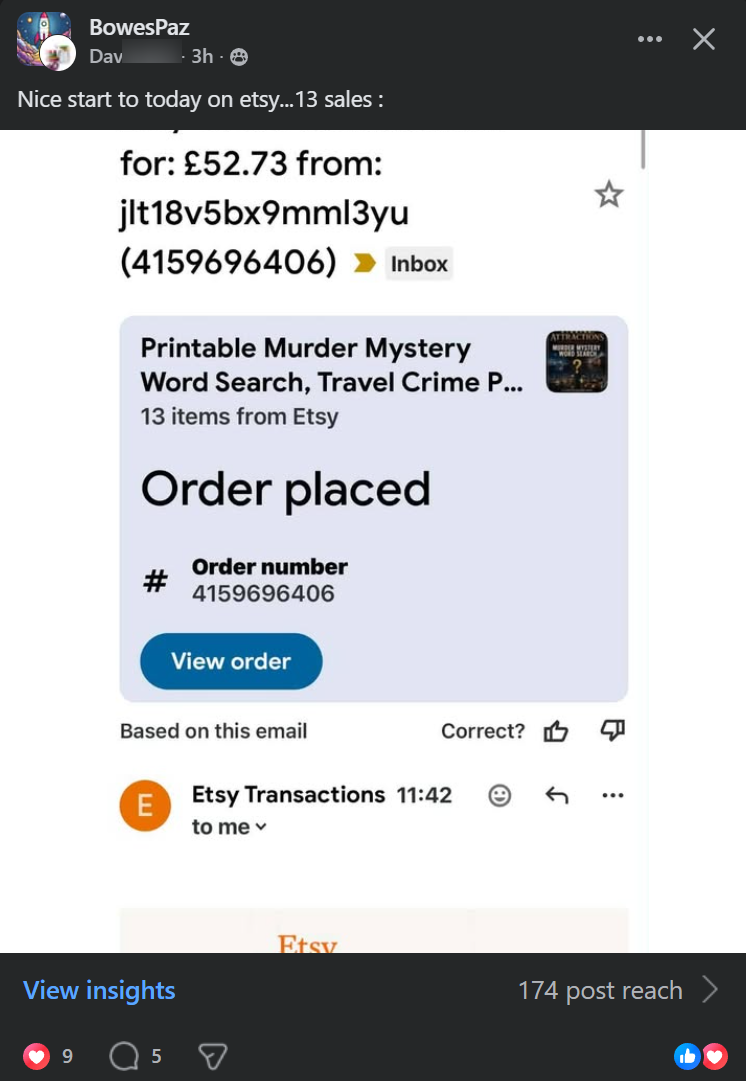
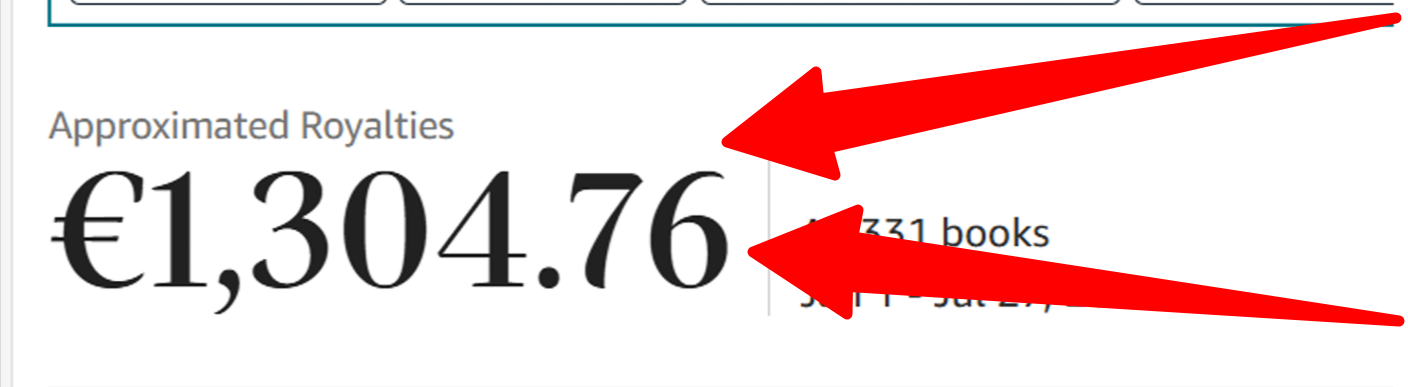
// Placeholder member result — replace with a real RunFlowPilot deploy screenshot. Results vary.

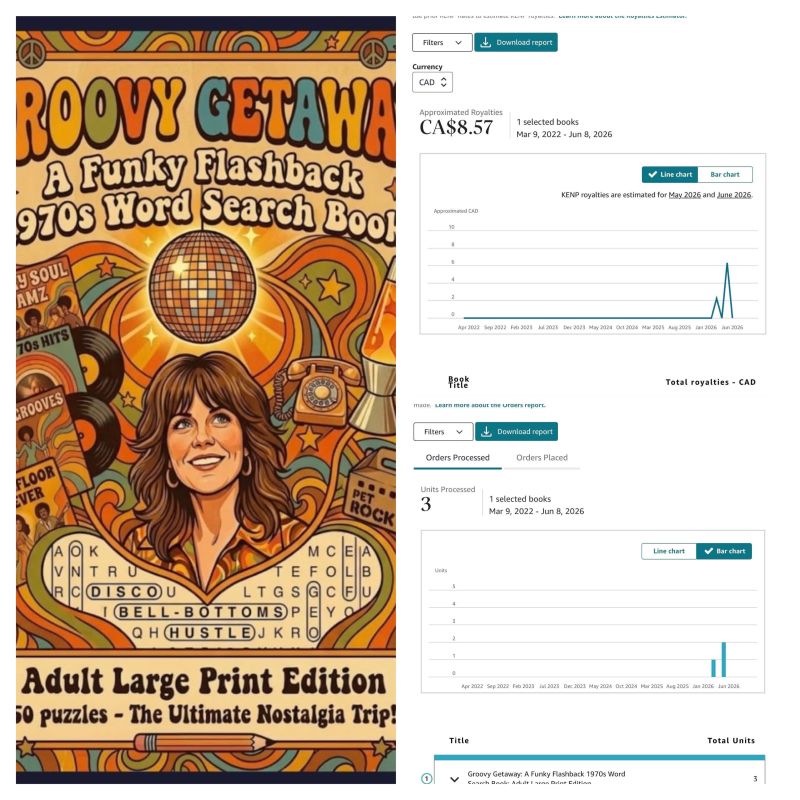
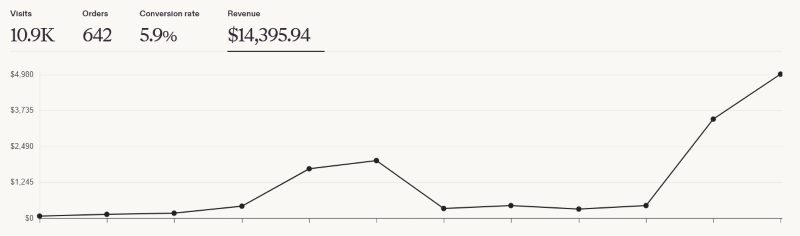
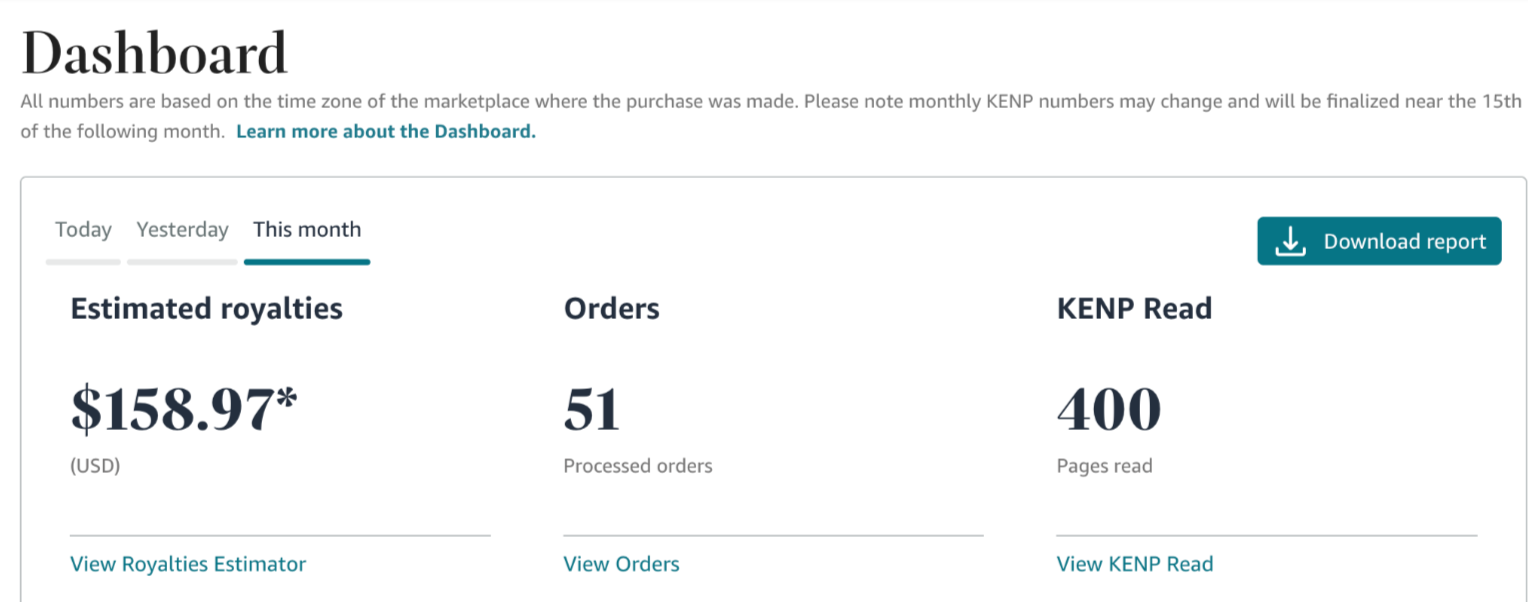



We Break Down The Walls. We Crush The Barriers. They Walk Through.
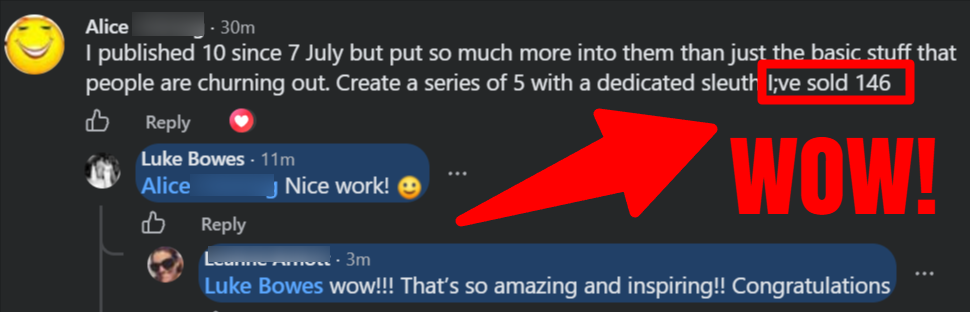
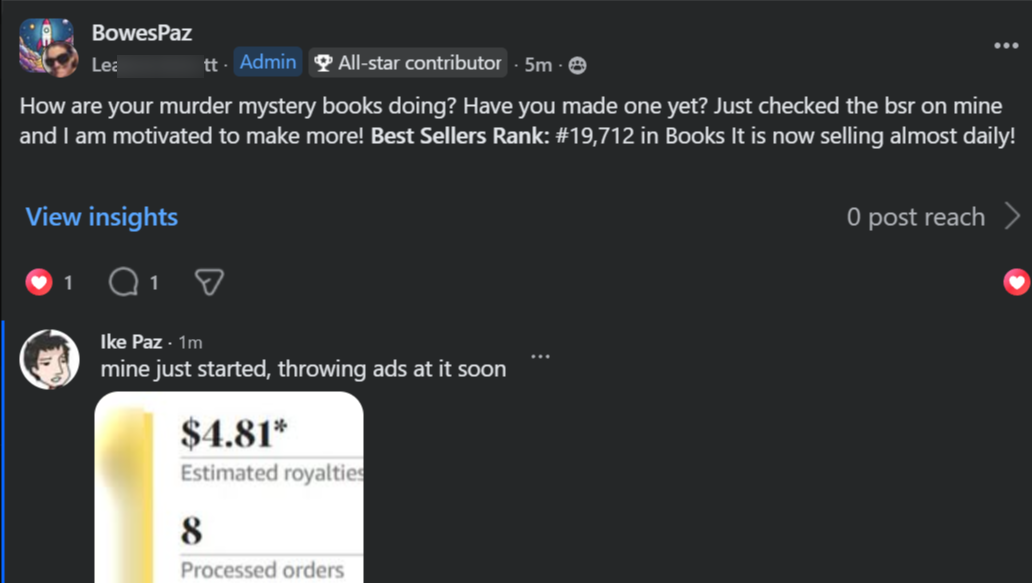
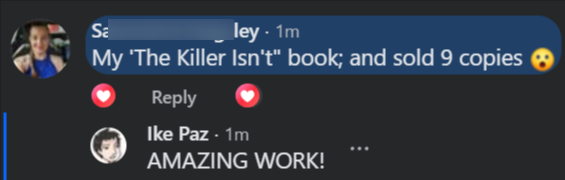
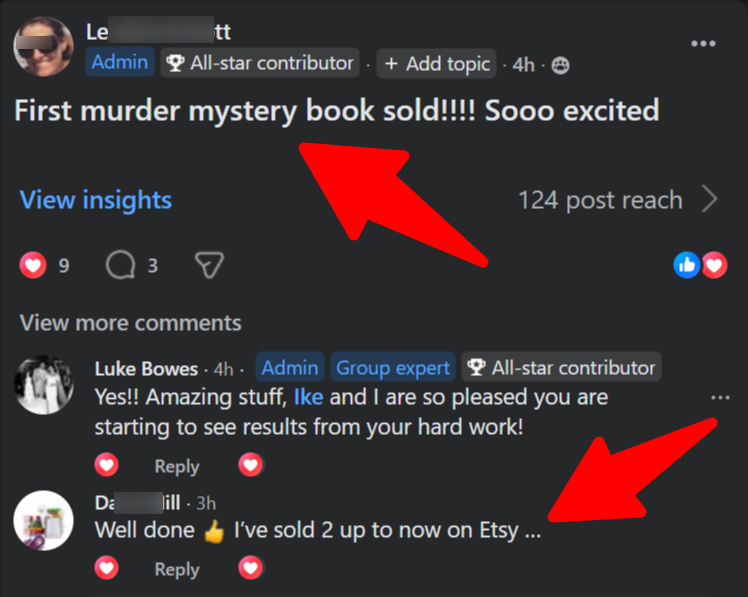
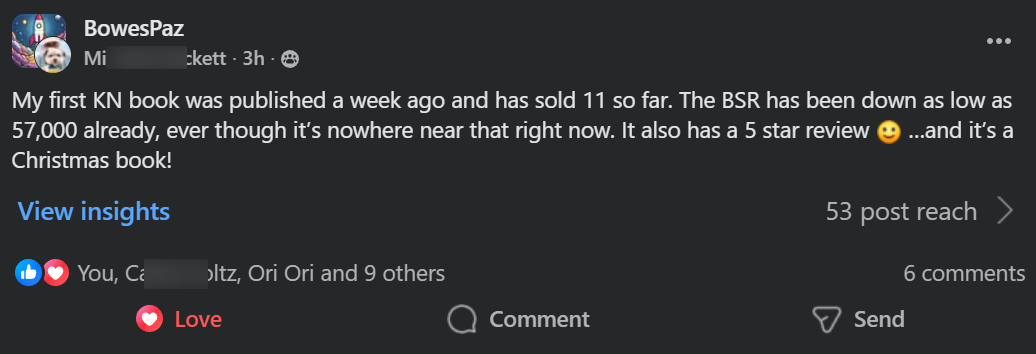
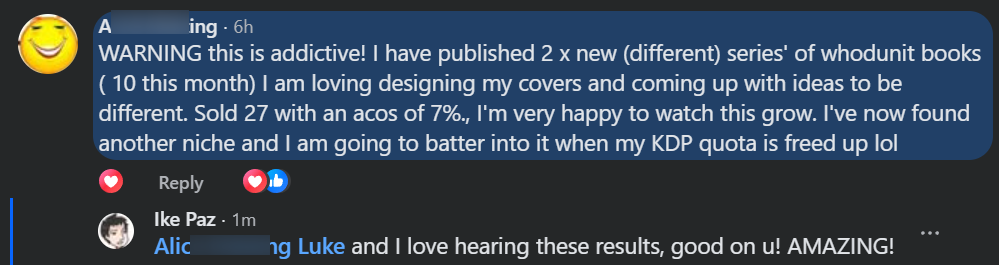
// Real builders, unprompted, in our user community. Placeholder posts — to be replaced with real RunFlowPilot member results.
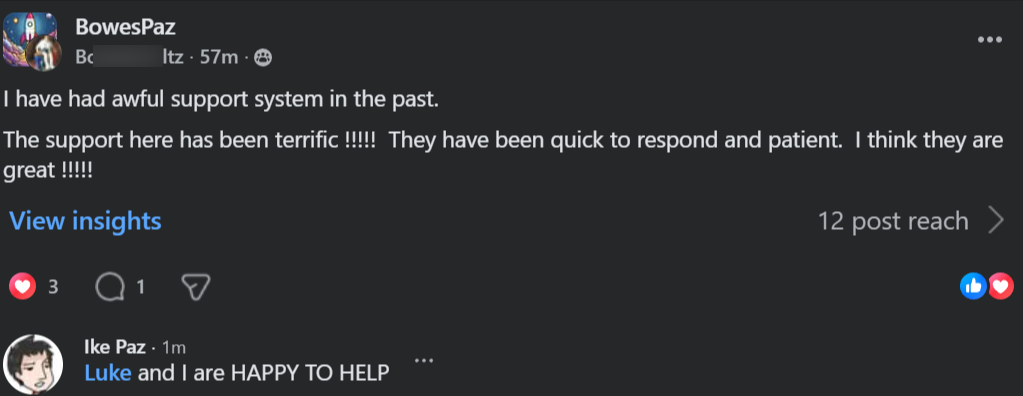
// Placeholder testimonial — replace with a real RunFlowPilot builder quote.




You've Been Told To Automate The Hard Way.
Manual node research. Copying workflow JSON. Repeated configuration errors.
You followed the "proven" advice. You clicked through docs, pasted templates, and guessed at parameters. And your workflow failed at 2am with a 401 nobody can explain.
Sound familiar?
That's not because you did it wrong. It's because the manual way was already broken before you got there.
The builders you just saw in File 01 aren't smarter than you. They stopped hand-editing JSON and started describing outcomes.
Right now — today — plain-English automation is that open lane.

👀 Real workflow data — this pipeline is moving right now

Live builds today — automations are already shipping

And this is what your finished automation looks like. The workflow is easy. Only the JSON was ever the hard part.

How easy? Watch the built-in Web Copilot turn one sentence into a validated workflow — nodes, parameters and connections — right in front of you.
OBJECTION CHECK: "But I'm not technical." — You describe; it builds. "No time." — Minutes per workflow. "My n8n?" — Cloud or self-hosted over HTTPS. "Can I trust it?" — Every workflow is validated before it deploys. Overruled. Keep reading.
I Was Debugging By Hand.
I'm a builder, and I had trouble with brittle, hand-wired automations.
Every workflow I shipped landed in a graveyard of broken runs. Same 401s. Same mapping errors. Same silent failures at 2am.
I tried the usual stuff. New templates. New docs tabs. "Working" JSON that broke two versions later. Freelancers who charged premium prices for workflows I couldn't even verify would run.
Then I found a simple way to remove the hand-editing entirely — a workspace that turns plain English into validated n8n workflows, and deploys them straight to my own instance.
Now it's a breeze. I describe the outcome, review the plan, press a button — and out comes a validated workflow that doesn't fail the moment a credential rotates.
This page is me handing you that same workspace.


You Do Not Need To Be An n8n Expert.
// You need a workspace that turns one sentence into automations that run in production — and keep running.
Here is the loop nobody in the automation world is using properly yet.
There is a build pattern operators swear by that almost nobody follows: the describe, review, validate, deploy loop. A sentence. A visible plan. Checked credentials. One connected instance running the result.
You review every node before it ships — and whatever reaches n8n has already passed validation.
It feels like chatting. It ships like engineering. And it runs like both.
The same workflow, as your n8n instance runs it — trigger on the left, actions on the right (placeholder image — to be replaced)
☞ These screens came straight out of the workspace you're about to see. One prompt. Validated nodes. Every workflow reviewed before it deploys. Sentences become workflows. Workflows become leverage.
The Secret Is The Validation Loop.
// Why this works when manual builds keep breaking.
Building these workflows by hand is brutally brittle. Every parameter has to be right. Every credential has to hold. One rotated API key and your automation fails silently at 2am, and your Monday is finished.
That brittleness is what keeps most teams stuck — and it's what this workspace walks straight through.
The workspace drafts each workflow, then validates the structure, verifies credentials, and checks every connection before anything deploys. No guessing. No broken runs. No silent failures. Ever.
Hard for humans. Instant for the workspace. That gap is your leverage.

Second 0 — you describe it. Seconds later: planned, validated, deployment-ready. (placeholder animation — to be replaced)
Hours Of JSON. Zero Certainty. Case Closed.
RESEARCH.
Spend hours researching nodes across docs and forums — then discover the parameter changed two versions ago, and start over.
COPY-PASTE.
Paste workflow JSON between tools, guess at credentials and hope the connections hold. Pay a freelancer if you give up — and hope they mapped it right, because you can't check it.
PRAY.
Deploy on Friday after days of work and pray no node throws a 401 over the weekend.
| Manual Work | Copy-Paste Templates | Patchwork Tools | RunFlowPilot | |
|---|---|---|---|---|
| Time per workflow | Hours of docs | Hours + guesswork | Days of duct tape | Minutes |
| Cost per workflow | Your evenings | Broken runs at 2am | Multiple subscriptions | One subscription |
| Validated before deploy? | ✕ Hope so | ✕ Can't check | ✕ Not this check | ✓ Every single one |
| Direct n8n deployment | ✕ DIY | ✕ Manual import | ✕ Re-wiring | ✓ Built in |
| Scale with confidence? | ✕ Burnout | ✕ Breaks down | ✕ Breaks down | ✓ Unlimited saved & deployed |

RunFlowPilot is the AI workspace that helps you create, edit, validate, and deploy n8n workflows — describe the outcome in plain English, review the plan, and push it straight to your connected n8n instance.
Designed from day one for automation builders, agencies, and technical teams. No JSON hand-editing. No node guesswork. No deployment dread.
Describe it. Review it. Deploy it.
Three Steps. Running Automations.
DESCRIBE.
Explain the automation in plain language and click generate. The workspace drafts the nodes, parameters, and connections — and shows you the plan to review.
The real dashboard — describe it, the workspace does the rest (placeholder image — to be replaced)
CONNECT & VALIDATE.
Securely connect your n8n instance — URL plus API key, verified over HTTPS. Structural checks and credential verification run first. No broken deploys. No silent failures.
Every check green before anything deploys (placeholder image — to be replaced)
DEPLOY.
Push the finished workflow straight to your connected instance. Your n8n runs it — you keep 100% of the leverage.
This is the part everyone waits for — deployed and running (placeholder image — to be replaced)

You describe once. RunFlowPilot plans, validates, and deploys. Your instance does the running. Results vary.
DESCRIBE. VALIDATE. DEPLOY. REPEAT. Every sentence is fuel for the automation engine.
Six Automations You Could Start Tonight.
Lead & CRM Ops
The flagship: a new Stripe payment succeeds, the contact lands in HubSpot, and the welcome email sends itself.
Content Pipelines
Sync new Notion pages to Google Drive every week — triggers, formatting, and uploads handled end to end.
Support Triage
Read any existing workflow, understand its structure, and make targeted edits — new nodes, new parameters, no rebuilds.
Scheduled Digests
Nightly summaries, weekly reports, SLA watchers. Describe the outcome once — it runs on time, every time.
Agency Client Builds
One workspace, many instances. Pro connects up to 5 n8n instances — build, validate, and deploy per client.
AI-Client Builds via MCP
Inspect, create, edit, and deploy from Cursor, Windsurf, OpenCode, Claude, ChatGPT, or Codex. Your editor, our engine.
Builders Keep Hitting Deploy.
// The casebook above isn't theory — placeholder member posts, to be replaced with real RunFlowPilot deploys. Results vary.

// Placeholder member post — replace with a real RunFlowPilot deploy announcement.





Everything The Workspace Does For You.
Web Copilot
Build workflows by chatting in the browser. Guided plan mode and direct agent mode — preview every node before deployment.
The core builders loveWorkflow Generation & Editing
Nodes, parameters, and connections from plain English — plus targeted edits to existing workflows without rebuilding them.
No JSON hand-editingValidation
Schema, credential, and connection checks run before anything leaves the editor — every deploy goes out verified.
Deploy with confidenceDirect n8n Deployment
One click pushes finished workflows straight to your connected instance — Cloud or self-hosted, verified over HTTPS.
One-click shippingExecution Diagnostics
Basic on Builder, Advanced on Pro: see exactly which node failed, how long each step took, and what data moved.
Find it fastAgent (Pro)
Autonomous runs with approval gates, version checkpoints, and rollback snapshots — automation that supervises itself.
Pro powerMCP (Pro)
Connect an AI client — Cursor, Windsurf, OpenCode, Claude, ChatGPT, Codex. Inspect structure, create and edit nodes, deploy.
Build anywhereCompatibility Guardian + Repair (Pro)
Compatibility checks plus Repair and Retest with Credential Mapping — broken runs get diagnosed and fixed, then retested.
Self-healing runs
The LIVE workspace — a whole workflow taking shape (placeholder image — to be replaced)
Review mode: approve every change before it deploys (placeholder image — to be replaced)
Three Things The Workspace Handles For You.
// Included in your account — no plugins needed.
n8n Connections
Stop wrestling with setup. Connect n8n Cloud or any self-hosted instance over HTTPS. URL plus API key, encrypted storage, server-side verification — connected in minutes, building right after.
Review Before Deploy
Nothing ships blind. Every workflow is shown in a readable preview — nodes, parameters, connections. Approve it, or request changes, before a single node reaches n8n.

Version Checkpoints
Every change is reversible. Version checkpoints save your workflow as you build — roll back any edit, compare versions, and never lose a working automation.

Join Today And These Come Free.
// Included with your account — real benefits, not add-ons.
8,000 Workflows
8,000 workflows.
INCLUDED — FREEFree n8n Account
A free n8n account with full access for life.
INCLUDED — FREEFree Web Hosting
Free web hosting for life.
INCLUDED — FREE40-Credit Free Trial
A 3-day free trial with 40 AI credits and full feature access. No card required.
INCLUDED — FREEUnlimited Saved & Deployed Workflows
Save and ship without caps on workflow counts. Your library grows; nothing gets archived against your will.
 INCLUDED — FREE
The Full Case, Itemized.
Open Your First Workflow Today
You are NOT locked in. Start with a 3-day free trial — 40 AI credits, no card required — then pick Builder or Pro, monthly or annual. Payments are processed securely by WarriorPlus. Cancel anytime.
YES! Give Me RunFlowPilot Now
This Is NOT For Everyone.
NOT for people hunting a magic overnight-automation button. Real workflows, real instances, real work — results vary.
NOT for people who won't connect an n8n instance they own.
NOT for teams happy hand-editing JSON against the clock forever.
NOT for people who refuse to invest even a small amount of time up front.
Still here? Good. Then know this: your workflows are 100% yours — unlimited saved & deployed, encrypted API keys, no lock-in, no hidden charges. Cancel anytime from the upgrade page — access continues until the end of the paid period. Your workspace. Your instance. Your control.
Two Clocks Are Running. Neither Is A Gimmick.
Clock one: the backlog. Every manual task on your list repeats next week. Every 2am failure steals another morning. The pile never shrinks by itself.
Clock two: the head start. Every builder who starts their 3-day trial today is one automation ahead of you by Friday. Early builders compound; late ones catch up.
Thirty days from now, one of two things is true. Either nothing changed — same JSON, same 2am alerts, same manual grind... or there's a library of running workflows with your name on it, doing work while you sleep.
Same thirty days either way. The only variable is what you press today.
☞ Quick gut check: Would you rather debug JSON by hand — or describe outcomes? Would a workflow that validates itself beat one that fails silently? If a workspace did the planning, validation AND deployment... could you handle the describing? You already know.
Got Questions? Answered.
What is RunFlowPilot?
RunFlowPilot is an AI-powered workflow engineering platform for n8n. It turns plain-language descriptions into production-ready workflows, validates the configuration, and deploys directly to your connected n8n instance. No coding experience needed.
What do I need to get started?
An n8n instance you own (Cloud or self-hosted, reachable over HTTPS), its URL and API key — plus a RunFlowPilot account. New accounts start with a 3-day free trial including 40 AI credits, and no card is required.
Does it work with self-hosted n8n?
Yes. RunFlowPilot works with both n8n Cloud and self-hosted n8n installations. As long as your instance is accessible over HTTPS, you can connect it. Your API key is encrypted before storage and is never returned to the browser.
What is the difference between Web Copilot, Agent, and MCP?
Web Copilot lets you build workflows by chatting in the browser, with guided plan mode and direct agent mode. Agent (Pro) runs autonomously with approval gates, versions, and rollback snapshots. MCP (Pro) connects RunFlowPilot to your AI client — Cursor, Windsurf, OpenCode, Claude, ChatGPT, or Codex — so you can build from your preferred environment.
Can RunFlowPilot edit an existing workflow?
Yes. RunFlowPilot can read an existing workflow, understand its structure, and make targeted edits — adding nodes, changing parameters, or restructuring connections without rebuilding the entire workflow.
Can I review a workflow before deployment?
Yes. Every generated workflow is shown in a readable preview before it reaches n8n. Inspect nodes, parameters, and connections — approve or request changes before deploying.
What happens when the free trial ends?
After the 3-day trial with 40 credits, choose the plan that fits: Builder ($29/month, 200 credits, 1 instance) or Pro ($49/month, 600 credits, 5 instances), monthly or annual. Describe what you want to automate and RunFlowPilot handles the rest.
How do Builder and Pro differ?
Builder includes Web Copilot, workflow generation and editing, validation, direct n8n deployment, basic diagnostics, and unlimited saved & deployed workflows (200 credits/month, 1 instance). Pro adds Agent, MCP, Compatibility Guardian, advanced diagnostics, Repair and Retest, Credential Mapping, rollback snapshots, and priority support (600 credits/month, 5 instances).
How does annual billing work?
Annual plans are billed once per year — Builder $288/year (equivalent to $24/month) and Pro $468/year (equivalent to $39/month). AI credits reset to the full monthly allowance each month.
Do unused credits roll over?
No. Credits reset to your plan allowance at the start of each billing period and do not roll over.
How do payments and cancellation work?
Payments are processed securely by WarriorPlus. Cancel anytime from the upgrade page — access continues until the end of the paid period. To stop future WarriorPlus charges, also cancel inside your WarriorPlus account (Account > Purchases/Subscriptions).
What about Enterprise?
Enterprise is custom-priced for organizations — everything in Pro plus dedicated support. Contact sales at support@flowpilot.app and we will scope it with you.
Where do I get help?
Open the in-app docs and guides, check the status page, or email support@flowpilot.app. See the refund policy in the footer for billing terms.
Close This Page, Or Deploy Your First Workflow.
You've seen the workspace. You've seen the receipts. You've seen the loop that ships it.
Plain-English builds. Validated deploys. A 40-credit free trial. Four simple plans. No card required to start.
The canvas is open. The workflow is yours.
We built this for builders like you — and support is with you every day through docs, guides, and email. See you inside.
P.S. The backlog grows every week. It will not shrink by itself. The only question is what runs it — your workflows, or your weekends.
P.P.S. Every workflow validated before deploy means no broken runs, no 2am alerts, no silent failures. This workspace protects your Mondays while it builds your library.
P.P.P.S. Your trial starts when you sign up — 3 days, 40 credits, no card. You've read this far — you already know what to do.